 Mewah Translator
User guide
Screen translation
Translate text with a floating icon on mobile or select an area on desktop.
Steps
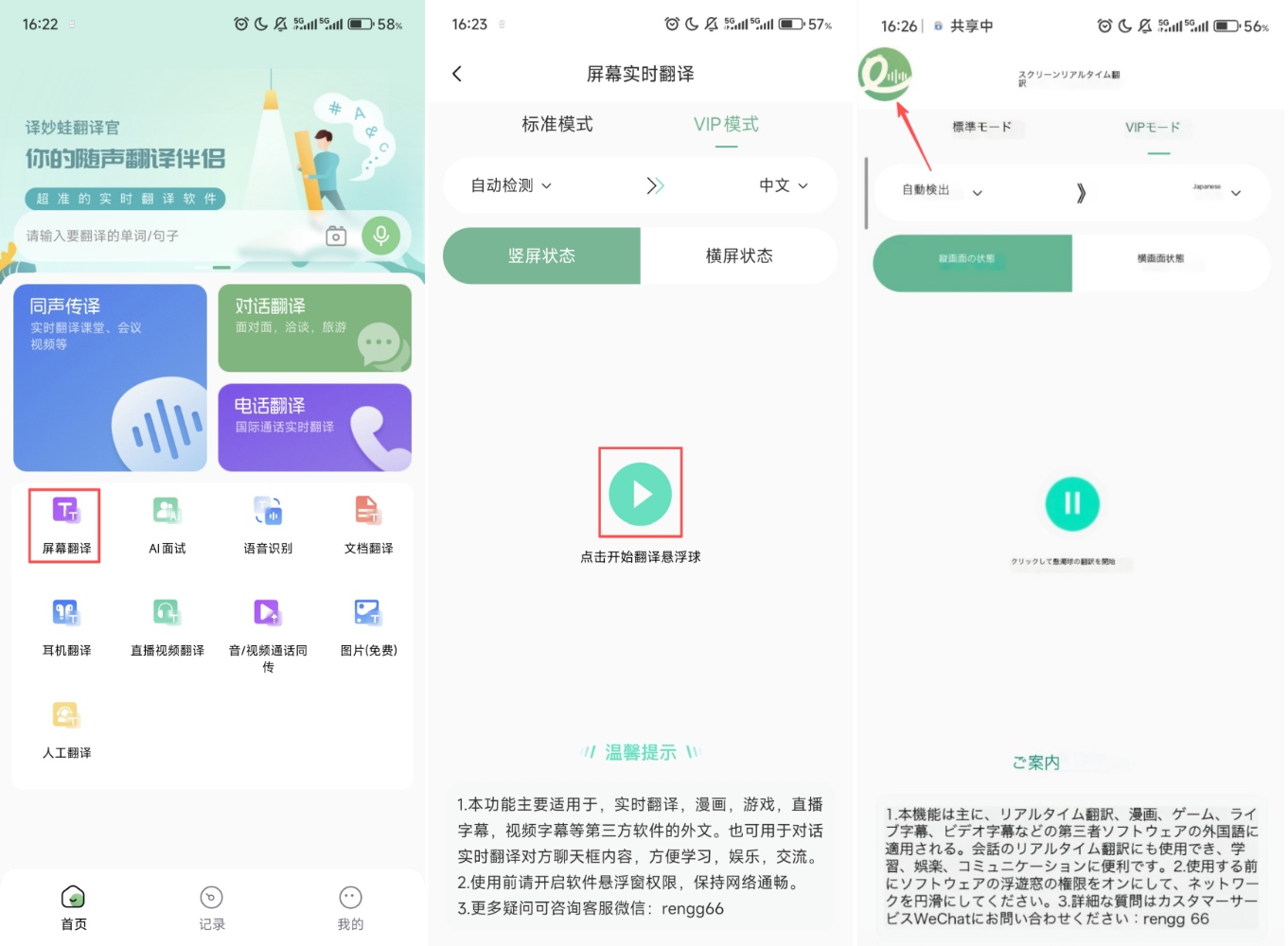
- On mobile, open Screen Translation, choose the mode and languages, then start.
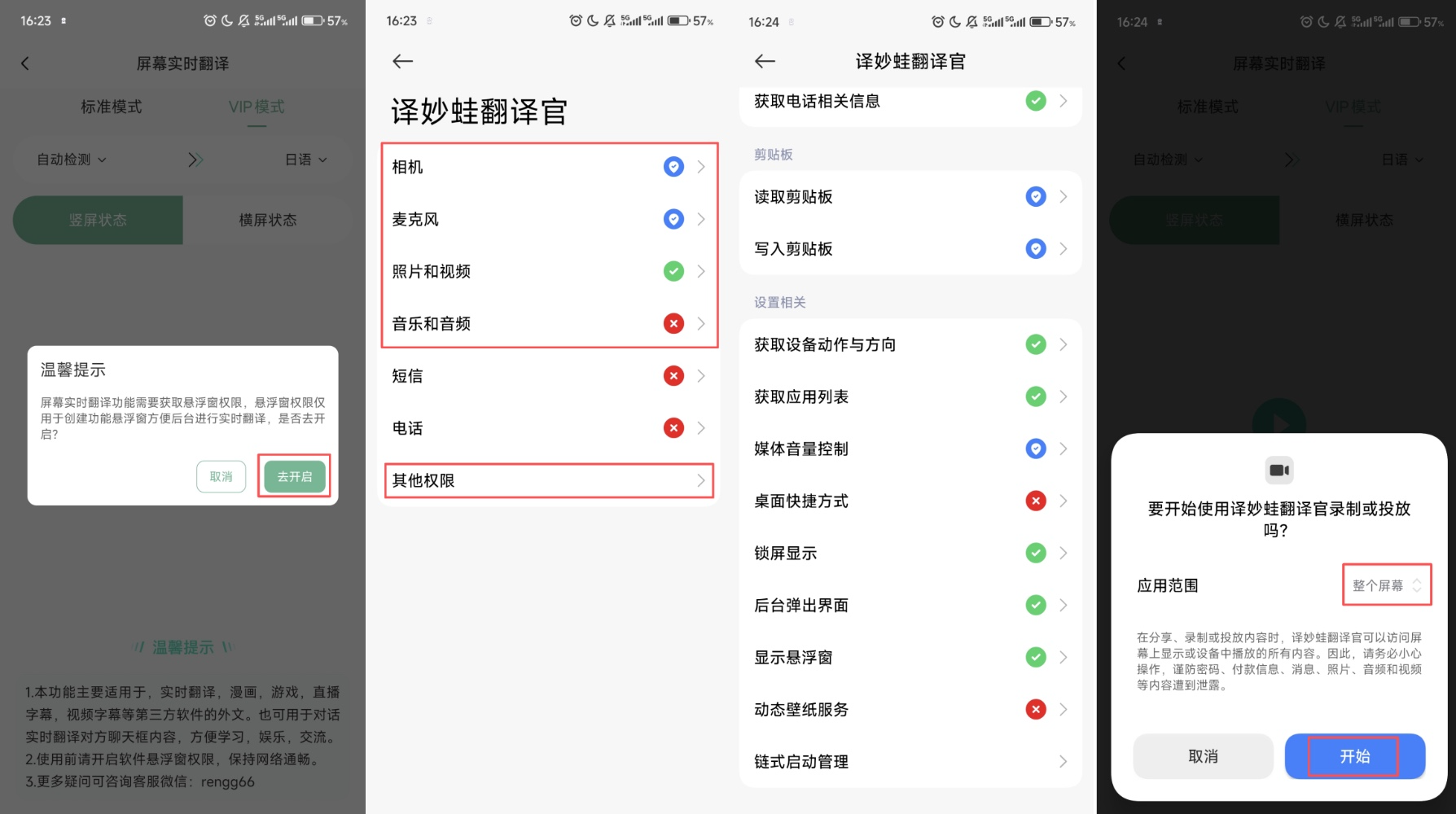
- On first use, grant the permissions shown on your device. If the system asks for a capture scope, select the entire screen as shown in the manual.
- Return to the app and start the feature again. Open the screen to translate and tap the floating icon to show or hide the translation.
- On desktop, use the app’s shortcut to select a screen area.
App screenshots
Select an image to enlarge it. The app screenshots retain their original language.